Printing: receipts and check stations
Two dedicated station types keep printing off the main order clerk’s screen.
Receipt print station
| Topic | Guidance |
|---|---|
| Purpose | Print receipts for orders completed on tablets/phones (and queued jobs) |
| Login | Station account — stay logged in |
| Desk | Clerks keep working; this PC consumes the receipt queue |
If nothing prints: PC on? Correct station login? Printer powered and selected? Network up? See Troubleshooting.
Check print station
| Topic | Guidance |
|---|---|
| Purpose | Print seller checks and manage that station’s printer |
| Login | Station account for checks — stay logged in |
| Settings | Printer selection lives with the check station tools |
Desk printing vs remote queues
- Some receipts may print at the desk
- Floor completions often enqueue work for the receipt station
- Do not log into a station account on the main clerk PC for normal ticket entry
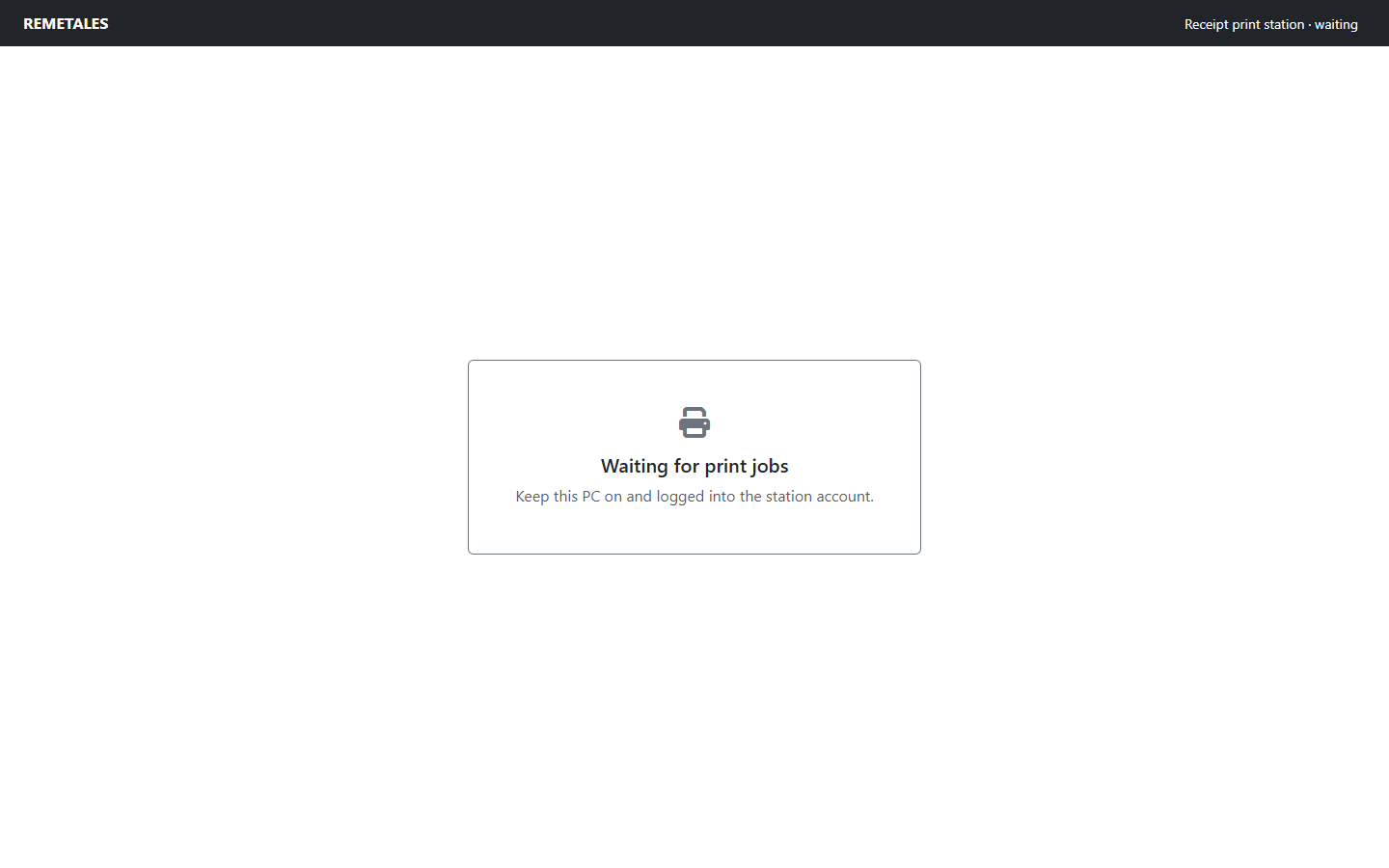
Figure: Station idle / waiting for jobs.